Tasksthat write themselves.
When something happens in the CRM, the people who should act on it get a task. Nobody has to remember to tell them.
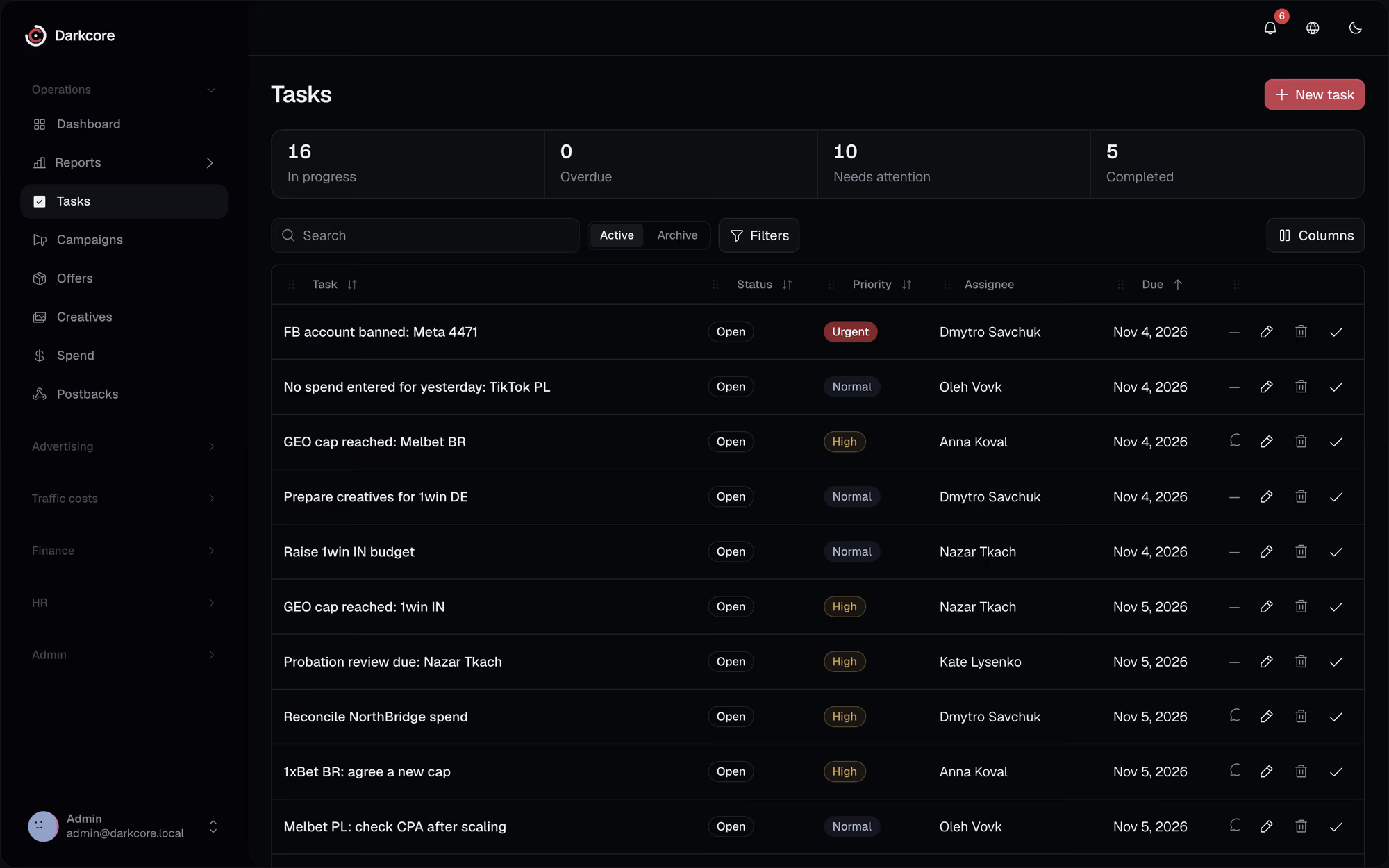
A cap fills up, a GEO is stopped, an account is banned, and the buyer hears about it last.Here each of those events opens a task for the buyer the moment it happens.
Events become work.With a person on each.
Offers and GEOs
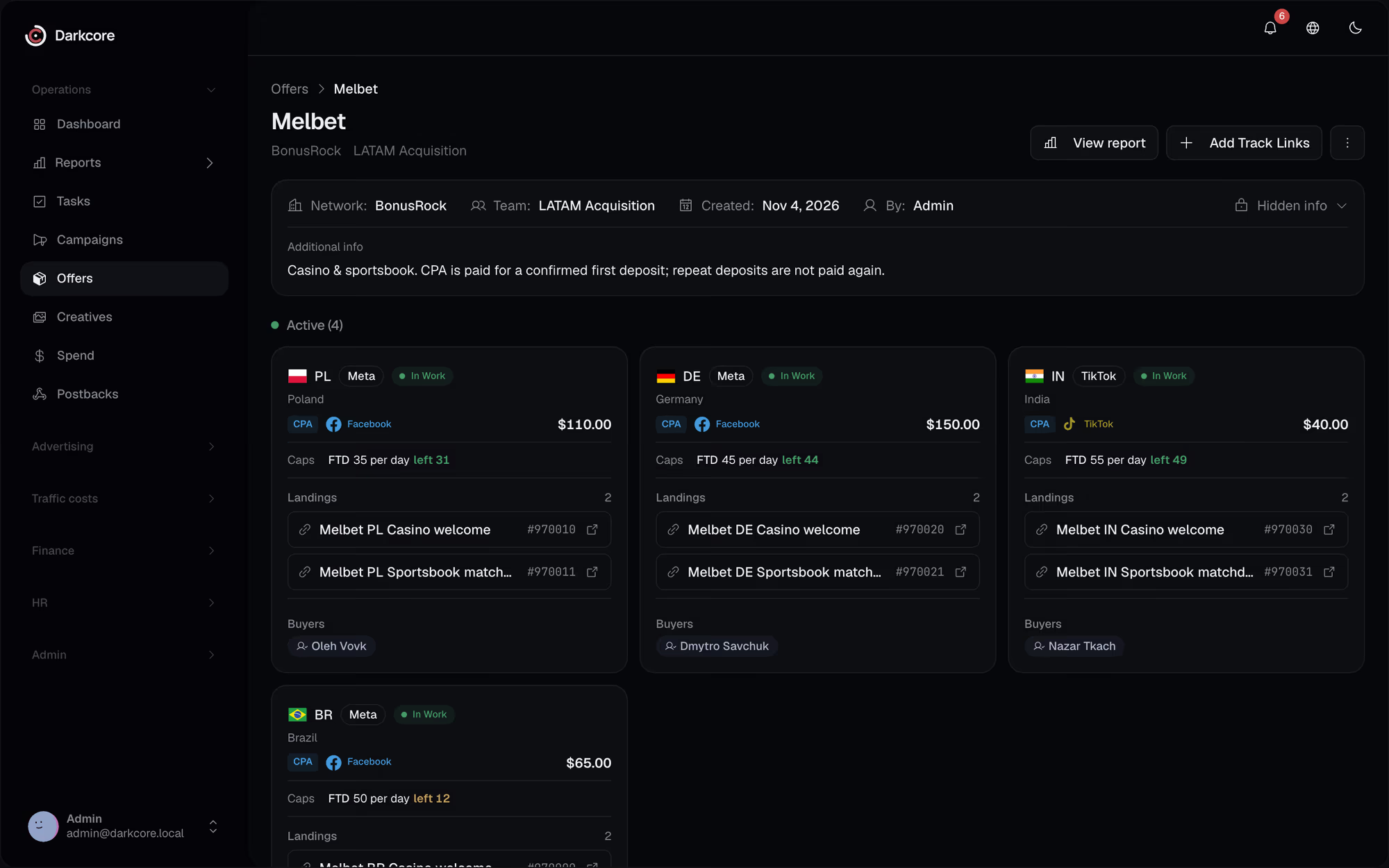
A new offer, a GEO given to or taken from a buyer, a GEO stopped, an offer archived.
Caps and spend
A cap reached or changed, a new campaign, a day with no spend from yesterday.
Accounts and people
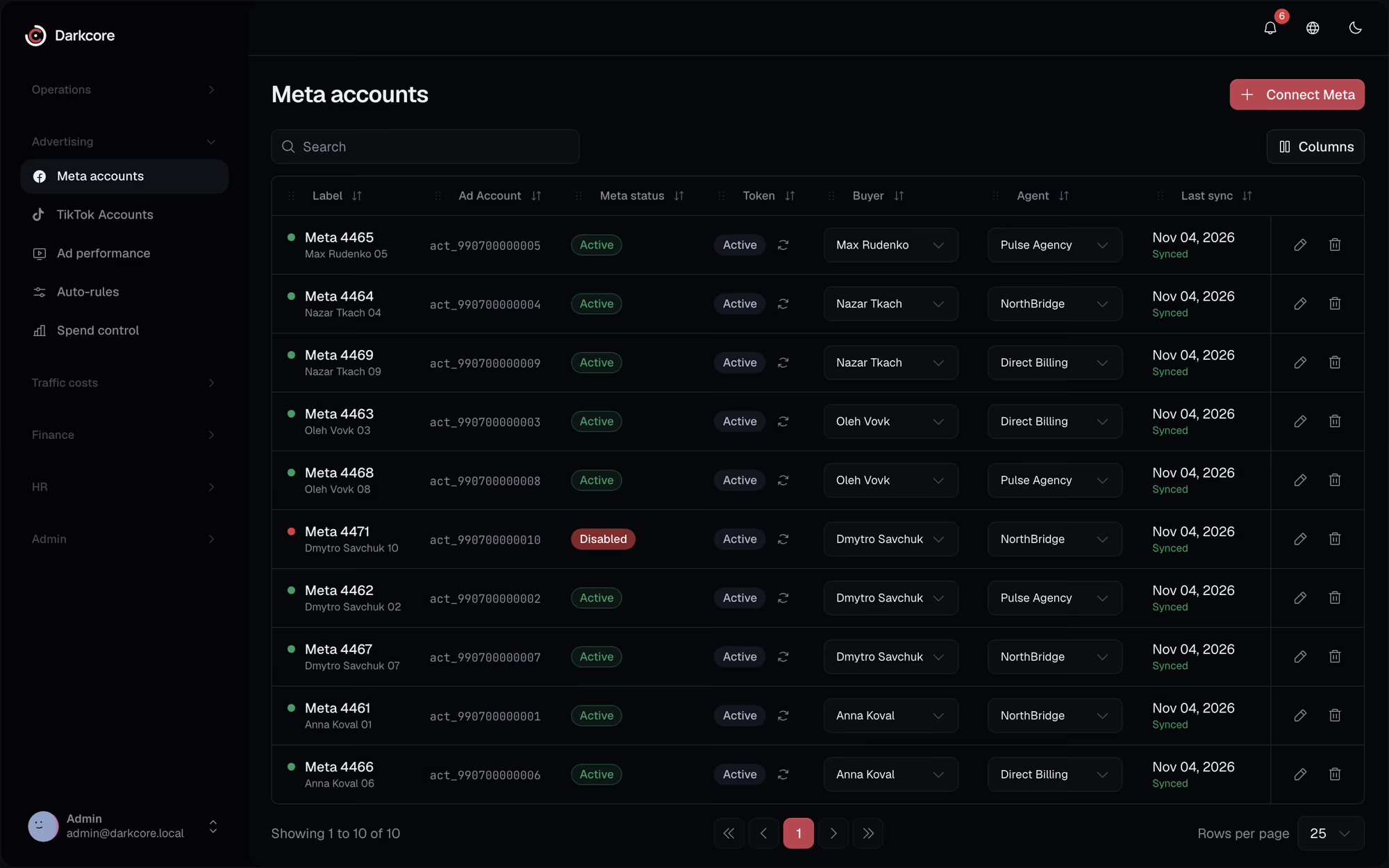
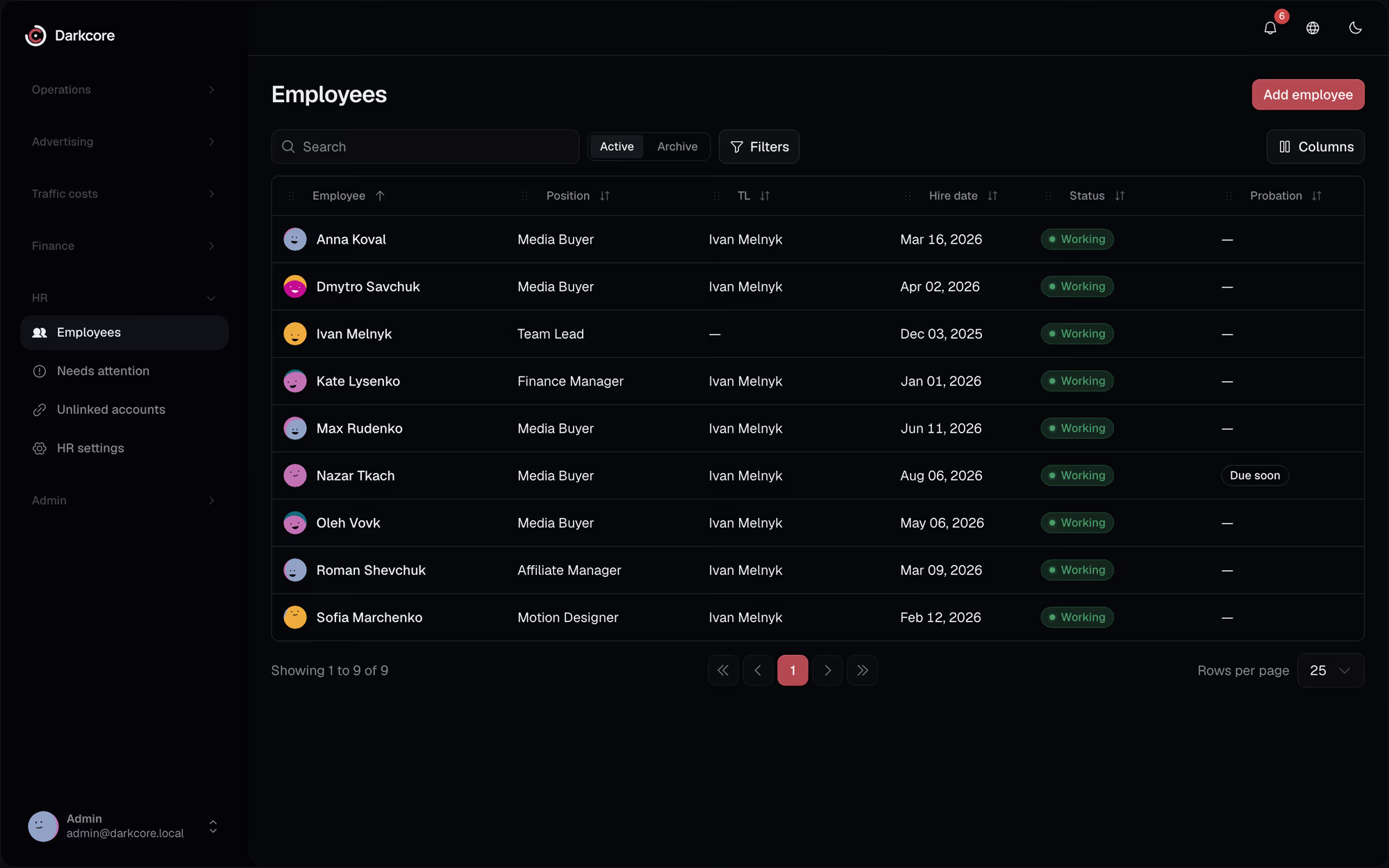
A Meta or TikTok account disabled, a creative requested, a new employee to onboard.
A template per event
Title, checklist, deadline and reminders, sent to one person, a role, a department or whoever the event is about. Overdue tasks keep reminding.
Questionsabout this feature.
Can we turn off some auto-tasks?
Yes. Each event has its own template, and a template can be switched off or changed: who gets the task, its checklist, deadline and reminders.
Can we still create tasks by hand?
Yes, with attachments, for anyone on the team.
Do tasks reach people outside the CRM?
Notifications go to the CRM, to web push and to Telegram once a person links their account.
See it on your own numbers.
Write to us in Telegram. We will show the CRM on the way your team buys traffic.